Run every show like a network.
One control room for your briefs, rundown, overlays, and Story Radar — across every show you produce, with the people who help you run them.
No hype. Just the tools.
● Invite-only while we onboard the first creators.
Paste your overlays once. Drive them live.
Set your Ecamm sources a single time. Build the rundown, hit Air, and your lower-thirds, tickers, and sponsor CTAs change on screen in real time — then clear just as fast. No re-pasting a new link mid-show.
Lower-third, ticker, and CTA above are live overlays — keyed to the show's brand and switched from the rundown.
Everything a show needs, in one room.
One workspace per creator; your team only sees the shows they're on. Every surface below is built in — no plugins, no stitched-together tabs.
Show Brief
Line up the episode and share it with the team in two minutes — so nobody improvises the run of show.
Story Radar
Prep starts from current, relevant stories for your show instead of a blank page.
Rundown
A segment-by-segment running order the whole team can see and follow in real time.
Scenes
Branded multi-cam chrome with nameplates — horizontal or vertical, your cameras showing through.
Lower thirds
Name and title bars for hosts and guests, animated on a loop or dropped in static.
Ticker
A scrolling headline bar — type your own items or pull a live feed.
CTA fly-ins
Subscribe, join, and link cards that fly in, hold, and cycle themselves.
Merch rotator
One set of products, rotating across every show you run.
Live control
Air a segment and its lower-third, headlines, and CTA hit the overlay in seconds.
Social graphics
On-brand promo at each platform's size, pulled straight from your brief.
Thumbnails
1280×720 thumbnails in your show's colors, font, and logo — in seconds.
Roadmap
See what's live, what's next, and what's on the sheet. The best items started as a creator's note.
Workspaces
One room per creator, with collaborator access for the people who help you run a show.
Real logins
Per-person Google or email access, backed by your own database.
Synced everywhere
Your shows, brands, and overlays follow you across every device you sign in from.
Built to not blink
when you're live.
The hard part of live isn't the graphics. It's that they're still working an hour in — on the network you're actually broadcasting from.
Runs where other tools die
Studio wifi. Venue networks. Locked-down VPNs. The places browser tools quietly fail. Kue's engine is self-contained — it loads and runs where a CDN-dependent overlay goes dark.
Nothing you build disappears
Every brief, rundown, and overlay writes to your own database the moment you make it — and follows you to any device you sign into.
Your room, sealed off
An isolated workspace with row-level security. Your shows, your team, your data. No one else's, ever.
No mid-show surprises
The overlay you paste at 8:00 is still driving your show at 11:00. No third-party service that can drop you on air.
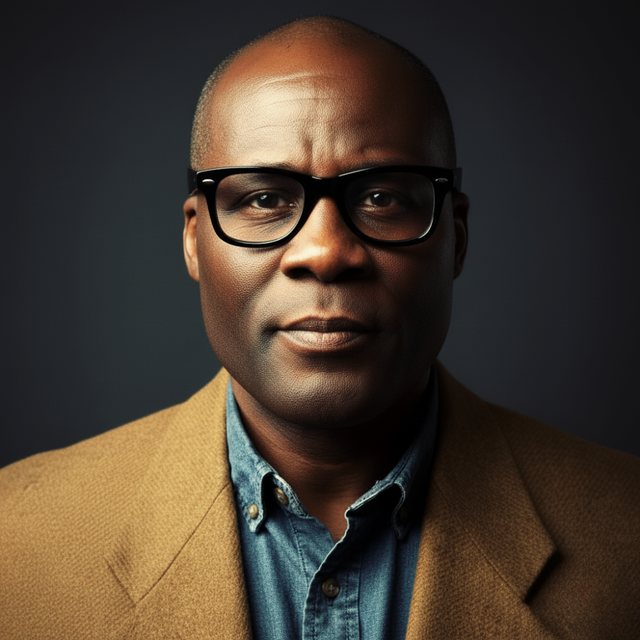
Built by someone who's actually been on air.
"Kue is the control room I always wished existed — no hype, just the tools to run a show like a network."
— James Hicks · founder, HicksNewMedia
Run your next show from one room.
Invite-only while we onboard the first creators.